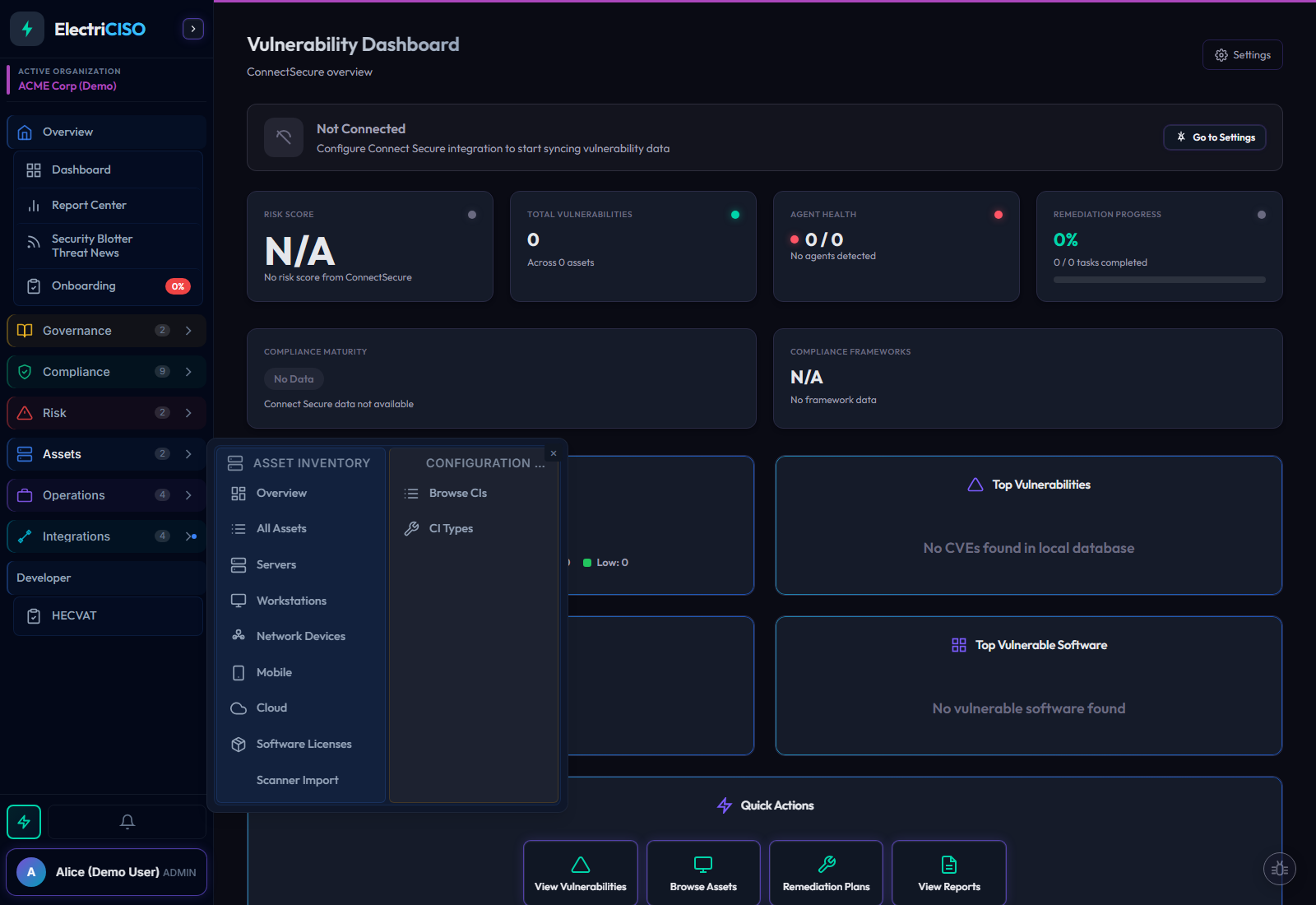
Track 11 asset types from 7 source types, keep configuration items and M365 devices in the same system, and connect every asset to vulnerabilities, risks, vendors, and compliance work. When a finding lands, you already have the operational context.
How many assets have critical vulnerabilities right now? How many warranties expire in the next 90 days? Which assets have gone dark? ElectriCISO answers these questions before your auditor, your insurer, or an attacker does.
Knowing how many assets have critical vulnerabilities is not useful. Knowing which assets do is. Click any KPI card and ElectriCISO opens the exact asset list behind that metric — filtered, sorted, and ready for action. No pivot tables, no manual work.
Bring data from ConnectSecure, Nessus, Qualys, Rapid7, or other major scanners — ElectriCISO normalizes and deduplicates across all sources into one unified inventory. Servers, workstations, cloud instances, mobile devices, network devices, and software licenses each have their own filtered view with search, sorting, and status filters tuned to that type.
Connect your Microsoft 365 tenant once. Every Intune-managed device correlates into your asset inventory automatically — matched by device ID, serial number, hostname, or display name, in that priority order. No manual imports. No spreadsheets. And when ConnectSecure already has that device, ElectriCISO matches and updates it rather than creating a duplicate.
SSL certificates, ISP circuits, firewall configurations, software licenses, and cloud services — documented in the same platform as your compliance assessments and risk register. Link a backup configuration failure directly to its risk register entry. Link a software license to the physical device it runs on. The connections your auditor asks about are already there.
Assets do not exist in isolation — and in ElectriCISO, they don’t live in isolation either. Link any configuration item to its associated risks, vendor records, physical hardware, and compliance controls. When a finding surfaces, you already know the blast radius.
Every CI instance — including field values — is indexed in global search. Find any circuit, certificate, or credential by any field value without navigating to the CI browser.
The CI browser table adapts to the selected type. The columns you set as "show in list" become sortable columns in the table — no configuration beyond the field builder.
Bulk export any CI type to CSV for auditors or spreadsheet reporting. Import from CSV via the 3-step wizard — passwords are excluded from exports for security.
Bring your scanner data from any source. ElectriCISO deduplicates across all three discovery channels — ConnectSecure, M365 Intune, and ZIP scanner imports — so every asset appears once, with all its data consolidated. Your inventory stays current without manual work.
Native 7-phase sync engine pulls asset inventory, software catalog, and vulnerability data directly from ConnectSecure in one automated operation.
Intune-managed devices from your Microsoft 365 tenant are automatically correlated to the unified asset table using a 4-level device-matching cascade.
Nessus, Qualys, Rapid7, and other scanner exports feed new assets directly into the inventory. Unified asset matching on hostname and IP prevents duplicates.
Stop managing assets in spreadsheets that have no connection to your vulnerabilities, your compliance program, or your risk register. See ElectriCISO’s unified inventory in a live demo.
Book Your Demo